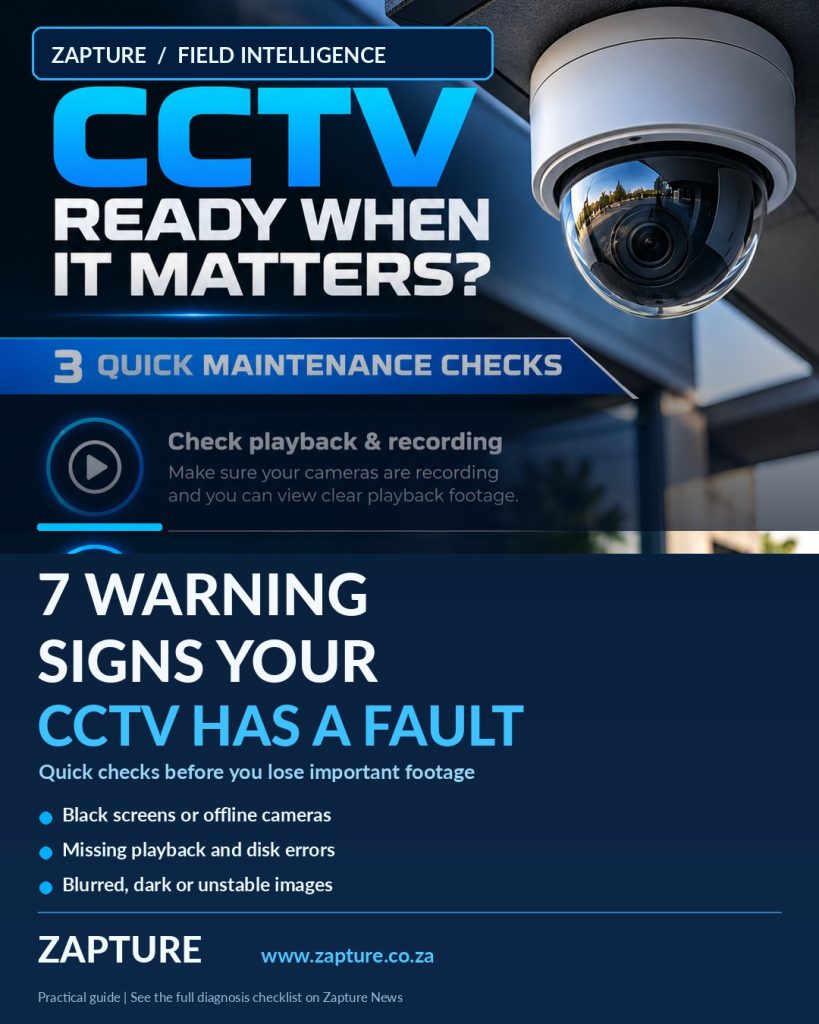
A camera showing a picture is not proof that your CCTV system is healthy. These seven symptoms help property managers identify faults before losing useful footage.
Spot CCTV problems before an incident: offline cameras, black night images, recording gaps, blurred views, hard-drive alerts and unstable connections. A Durban CCTV fault guide.
1. Camera offline or black screen
One camera that disappears while others work can indicate lost power, a damaged cable or a network issue. Safely check the camera’s status in the recorder or app and whether other cameras on the same switch are affected. Repeated dropouts deserve a technician’s inspection of PoE power, network ports and the cable path.
2. Live view works but playback is missing
Open the recording calendar and choose a recent time you know the camera should have recorded. A black timeline, gaps or playback errors can point to recording schedules, disk problems, storage capacity, disconnected cameras or incorrect time settings. Do not format the recorder’s hard drive before important footage and configuration have been protected.
3. A blurry, hazy or washed-out image
Dirty protective domes, focus issues, condensation and strong backlighting can make an image unusable. Compare daytime and night-time clips. A whitish image at night can be caused by IR light bouncing off a nearby wall or dirty housing. Only clean accessible lenses using approved materials.
4. Night vision is suddenly dark
Review night-time footage, not just daytime live view. Confirm the area receives enough appropriate illumination and check for blocked infrared LEDs, incorrect day/night settings, strong glare or unexpected lighting changes. Work at height and camera disassembly should be left to properly equipped technicians.
5. Flickering, interference or random restarts
Repeated resets, rolling interference or short blackouts may involve unstable power, damaged connectors, PoE capacity, grounding issues or failing equipment. Record when the fault happens—such as during heavy rain or when other devices start—rather than repeatedly resetting the system.
6. Hard drive, time or health warnings
A recorder showing HDD failure, wrong date and time, missing channels or high-temperature warnings needs attention. Verify warning logs and whether alerts are being received. Missing timestamps can complicate evidence retrieval even if video is still present.
7. Alerts no longer match what is happening
Too many false motion alerts, or no alerts at all, may come from changed detection zones, excessive sensitivity, network loss or disabled notifications. Review one known event and compare it to the recorded video. Avoid random settings changes on a live system.
When to call Zapture
If footage is missing, a recorder reports disk errors, or cameras repeatedly fail, Zapture can assess your CCTV system across Durban and KZN. Our CCTV installation and support is tailored to the number of cameras, recording needs and site conditions. For a quick first check, test yesterday’s playback and inspect the recorder alerts—without changing any security settings.
Source: Axis Communications, CCTV maintenance and troubleshooting guidance. Industry announcements and future product capabilities are not guarantees of availability or compatibility in South Africa.
Let’s discuss your project
A practical solution, tailored to your site and budget.