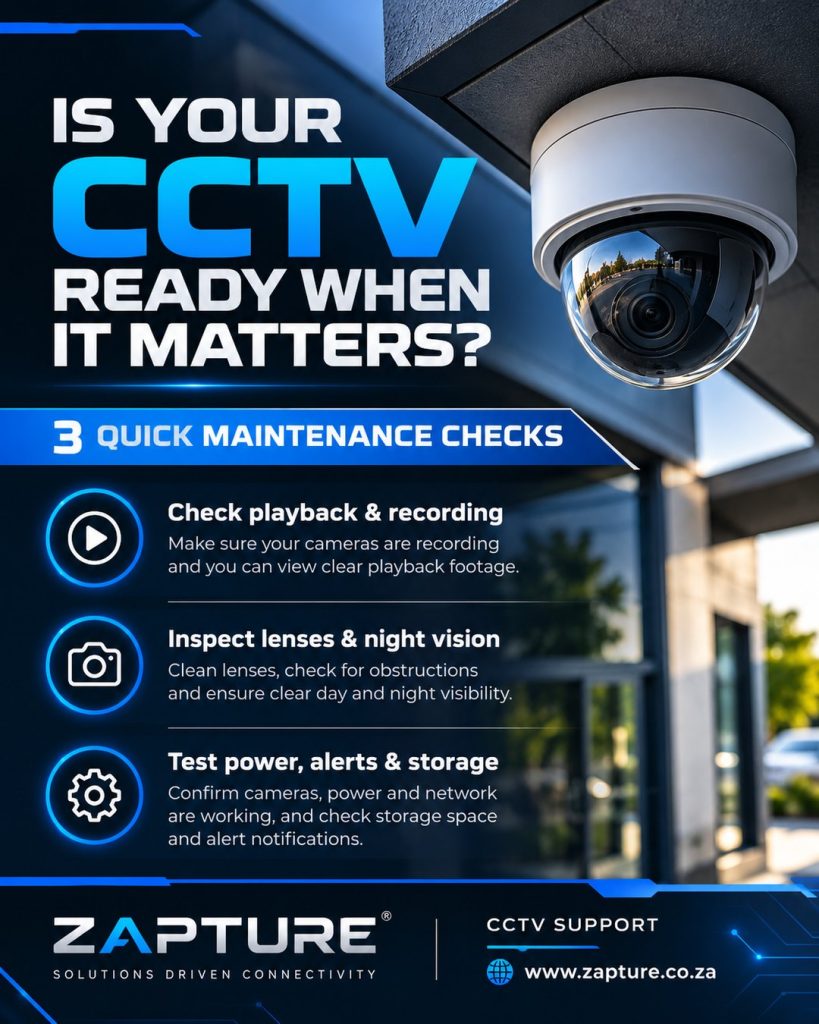
Your CCTV cameras can look fine on a monitor while important footage is missing, blurred or impossible to replay. A simple inspection routine can reveal problems before you need evidence.
A practical CCTV maintenance checklist for Durban and KZN businesses: test playback, inspect camera views, night vision, storage, network, alerts and backup power before an incident.
These are routine checks for business owners and site managers. Leave electrical work, lock adjustments, sensitive security configuration and high-level maintenance to authorised professionals.
The 7 checks every business should know
- Open every camera’s live view. Look for offline cameras, blocked views, changes in camera angle, glare or foliage covering an entrance.
- Play back a recent recording. Choose a date and time from the past week and verify actual footage is present. A live picture alone does not prove your recorder is saving video.
- Check the date, time and recording schedule. Confirm timestamps, time synchronisation and expected continuous or event-based recording. Wrong settings can complicate investigations.
- Review night-time footage. Confirm the image is usable after dark, IR lighting behaves correctly and nearby walls or dirty domes are not creating white reflections.
- Look at accessible lenses and housings. Use the manufacturer’s cleaning instructions and a suitable soft cloth. Do not spray harsh chemicals or open sealed housings.
- Check recorder health, storage and alerts. Investigate disk warnings, unexplained recording gaps, motion-alert failures and notifications that have stopped arriving.
- Check power and connections. Look for obvious damage to accessible cables and power indicators. UPS backup should be tested by authorised personnel using a safe procedure.
What should you check weekly, monthly and quarterly?
Weekly: sample camera live views and playback. Monthly: review night vision, coverage, alerts, disk status and accessible cable or enclosure condition. Quarterly: schedule a deeper system review covering recorder health, firmware, login access, storage retention, power protection and physical installation.
The right interval depends on camera count, environment and site risk. Coastal exposure, dusty facilities and critical entrances may justify more frequent attention.
When is it time to call a technician?
Arrange a professional check if footage has gaps, a camera repeatedly drops offline, the recorder shows HDD errors, night images are cloudy, or water is visible inside a housing. Do not reset a recorder, format a drive or change firmware without confirming the footage and settings that must be preserved.
Test playback, not just live video. The worst time to discover a recording failure is after an incident.
CCTV maintenance and upgrades in Durban
Zapture provides CCTV maintenance and fault-finding, along with CCTV installations and upgrades across Durban and KwaZulu-Natal. We assess the number of cameras, recording requirements and site conditions before recommending a service plan.
Further reading: Axis Communications: Why camera maintenance matters (22 July 2026).
Let’s discuss your project
A practical solution, tailored to your site and budget.