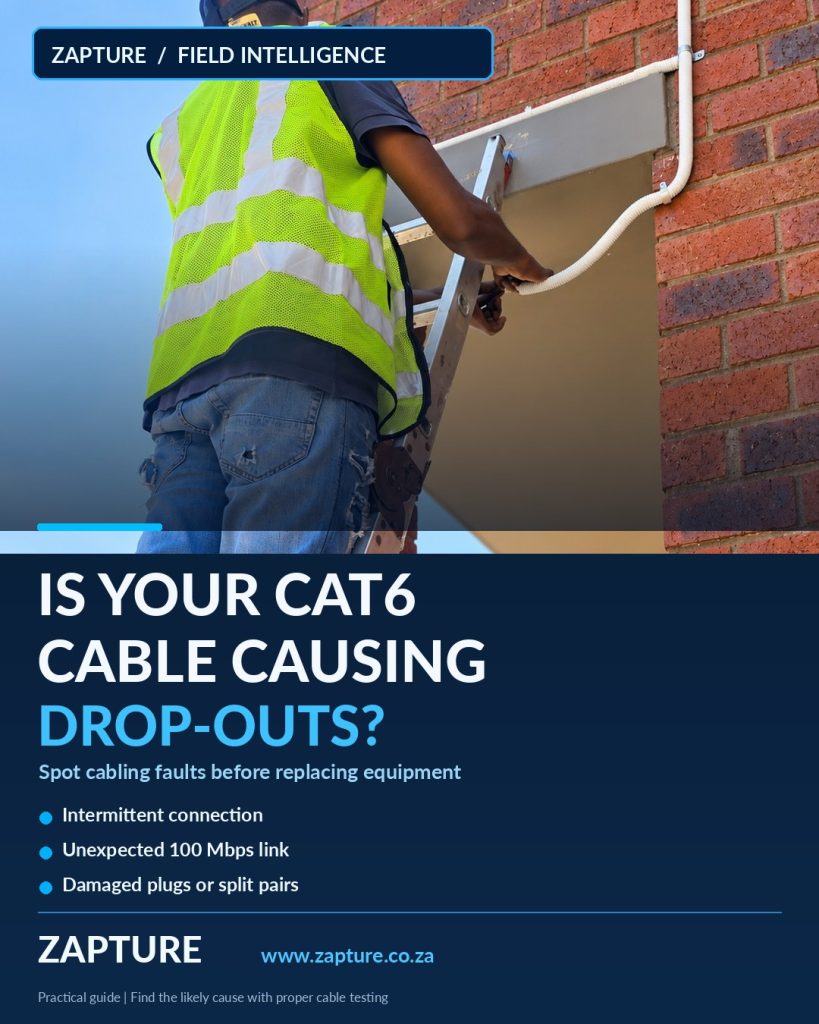
Your internet service might be fine while the network cable behind the wall is not. These symptoms help distinguish a bad CAT6 run from a router, switch or device problem.
Learn how to diagnose CAT6 cabling faults: intermittent internet, 100 Mbps links, damaged RJ45 plugs, PoE dropouts, open pairs and split pairs. Practical Durban networking advice.
1. A network point works only sometimes
If a desk phone or PC disconnects when a patch lead is moved, suspect a damaged lead, loose jack, poorly terminated connector or strained cable. Note whether the same device works normally at a second known-good network point.
2. The device suddenly links at 100 Mbps
A port that previously negotiated Gigabit but now links at 100 Mbps may have a missing or damaged pair, a faulty patch lead, or incompatible port settings. Check both device and switch capabilities before blaming the cable. Gigabit copper Ethernet normally needs all four twisted pairs correctly connected.
3. PoE equipment repeatedly restarts
Access points, VoIP phones and IP cameras may restart if their power budget, switch port, cable or connectors are unsuitable. Check the PoE switch warnings and whether several devices are affected. Do not improvise a power supply or modify live wiring to ‘test’ it.
4. A cable tester reports an open or short
An open means a required conductor is not continuous; a short means conductors are unintentionally connected. Both can arise from connector damage, a bad punch-down or cable damage. A technician can use a suitable tester to estimate fault location and then inspect the appropriate termination or segment.
5. Split pairs or crossed wiring
A basic continuity test can sometimes look correct while the intended twisted-pair arrangement is wrong. Fluke Networks notes that split pairs increase crosstalk and may undermine link performance. Proper wiremap and performance testing are more informative than relying solely on the order of flashing LEDs.
6. Problems began after a renovation
Construction work can crush, nick, overstretch or sharply bend CAT6. Inspect accessible pathways and identify where a run may have been disturbed. Replacement can be more reliable than repeated splices or low-quality couplers in a permanent network cable.
7. Multiple devices fail from one cabinet
When several network points in one area lose service simultaneously, look beyond individual wall outlets. A failed switch, unplugged patch panel connection, power interruption or uplink problem may be responsible. Record which devices and ports are affected before making changes.
How Zapture diagnoses cabling faults
We start with the symptom and site layout, separate device and active-network problems from copper cable faults, then use appropriate continuity, wiremap, length, PoE and—where required—performance tests. We provide CAT6 structured cabling, network cable re-runs and fault-finding across Durban and KZN. Testing and repair recommendations are based on the specific route, devices and required speed.
Source: Fluke Networks, What’s Wrong with My Cable?. Industry announcements and future product capabilities are not guarantees of availability or compatibility in South Africa.
Let’s discuss your project
A practical solution, tailored to your site and budget.